What to Do When Your Industrial Scale Fails: Troubleshooting Guide
Have you ever experienced your weighing scale stop working in the middle of your shift? Nothing stops work faster than industrial scales that won't turn on or show bad numbers. When your scale breaks, everything stops.
Good news, you can fix most scale problems yourself. This guide shows you how to fix common problems with industrial scales. You'll learn which fixes are easy and when you need help from an expert.
Key Takeaways
- Most scale problems come from certain fixable factors.
- Check the power cord and clean your scale before you think it's broken.
- Importance of Error codes to fix your scale.
- Some repairs are dangerous; let professionals handle the hard stuff.
Common Causes of Industrial Scale Failure
Let's look at why scales stop working. Most problems come from a few basic causes.
- Power Supply Problems
Your industrial digital scale needs electricity to work. First, look at the power cord. Is it plugged in tight? Is the cord damaged? Battery-powered portable industrial scales show errors when batteries get weak. Put in fresh batteries and try again.
- Environmental Factors
Hot and cold weather mess up scale accuracy. Metal parts get bigger when hot and smaller when cold. Shaking from nearby machines also causes bad readings. Put your heavy-duty scales away from forklifts and loud equipment.
- Physical Damage
Dropping stuff on your scale hurts the sensors inside. Putting too much weight on the scale breaks parts. Look for dents or cracks on the platform.
Reasons Industrial Scales Give Wrong Readings
Wrong numbers are the most common scale problem. Here's why it happens.
Calibration Drift
Every industrial weighing scale gets less accurate over time. Scales that weigh stuff all day long drift faster. They need fixing more often than scales you use once in a while.
Debris and Buildup
Dirt under your scale makes it weigh wrong. Even tiny rocks or spilled products add extra weight. Clean your scale every day.
Cleaning checklist:
- Sweep the scale platform after work
- Look underneath for stuck stuff
- Wipe the screen and buttons
Load Cell Failure Causes
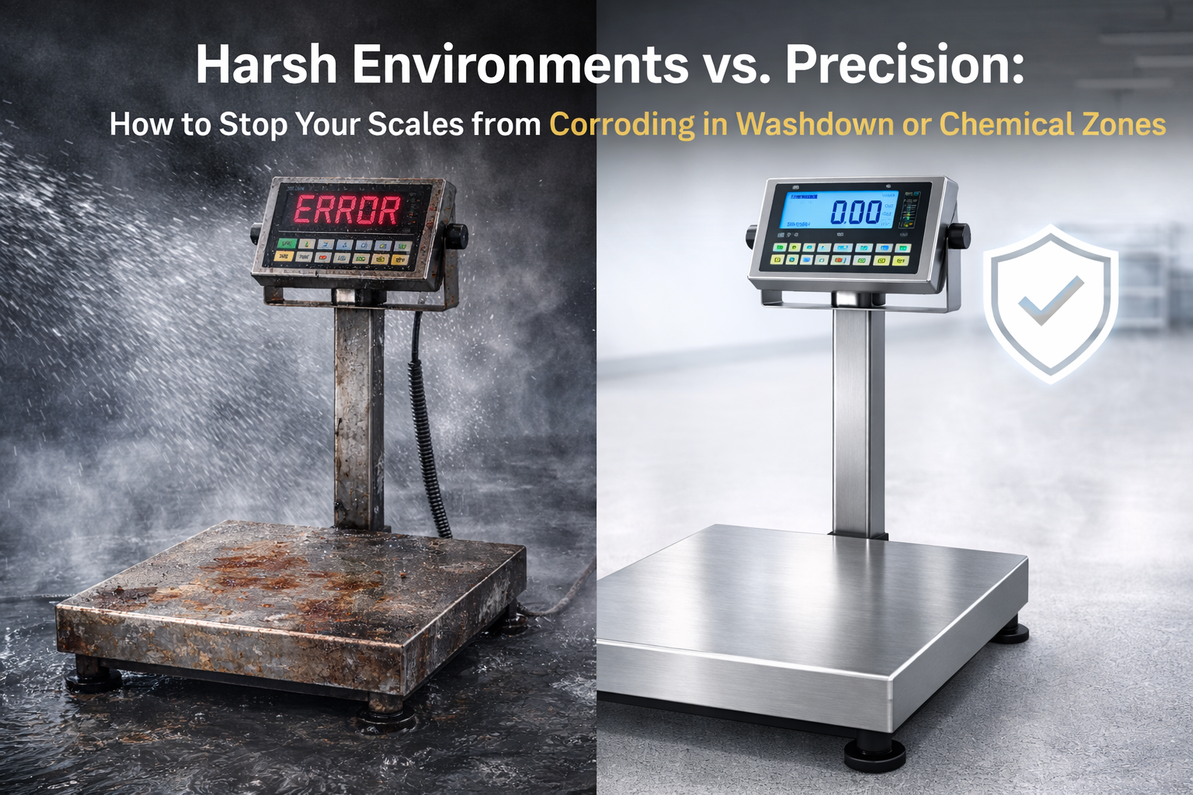
Load cells are the sensors that do the weighing. They wear out from holding heavy things every day. Putting too much weight on them breaks them faster. Water gets inside and makes metal parts rust. This causes weird readings or total failure.
Industrial Scale Error Codes Explained
Every scale brand uses different error codes. But most codes mean similar things.
|
Error Code |
What It Means |
How to Fix It |
|
Err or E |
Something's wrong |
Turn the scale off and on |
|
OL or OVER |
Too much weight |
Take weight off now |
|
UNDER |
Negative weight |
Recalibrate or clean the scale |
|
Cal or CAL |
Needs calibration |
Follow calibration steps |
|
Err 1-9 |
Specific problems |
Read your manual |
Your manual tells you what each code means. Keep it somewhere easy to find.
Meaning of Unstable Weighing Scale
Unstable means the numbers keep changing. This is super frustrating when you're trying to work.
Fluctuating Numbers
When the display numbers jump around, you have instability. Shaking from other machines causes this. Fans and air conditioners blow air that moves things. Keep your industrial weighing systems away from air vents.
Scale Drift Solutions
Drift means the numbers slowly go up or down. Temperature changes cause drift. Let your scale sit in the room for 30 minutes before using it.
Preventing drift:
- Keep your building the same temperature
- Calibrate on a schedule
- Make sure the scale is flat and steady
Floor Scale Troubleshooting Steps
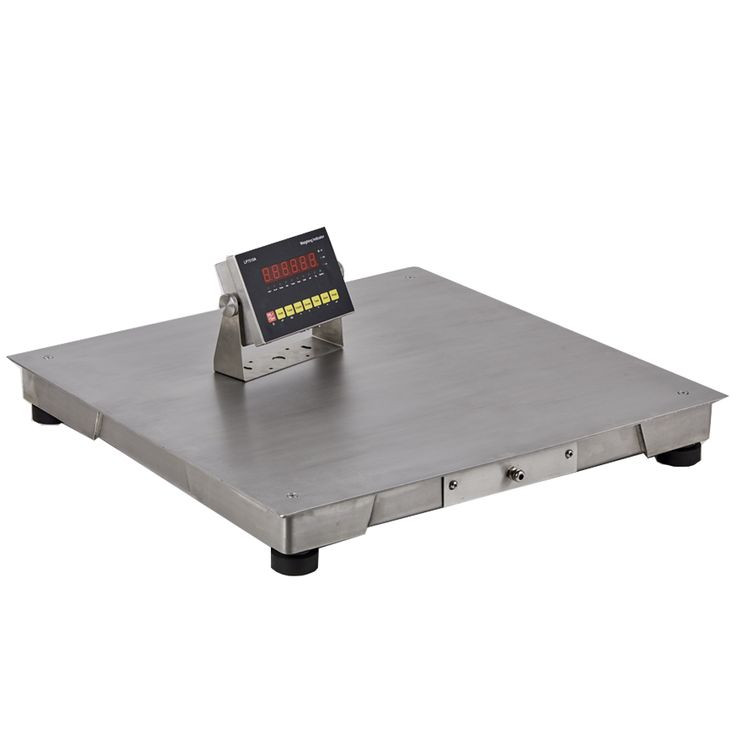
Floor scales are big and heavy. But fixing them starts with simple checks.
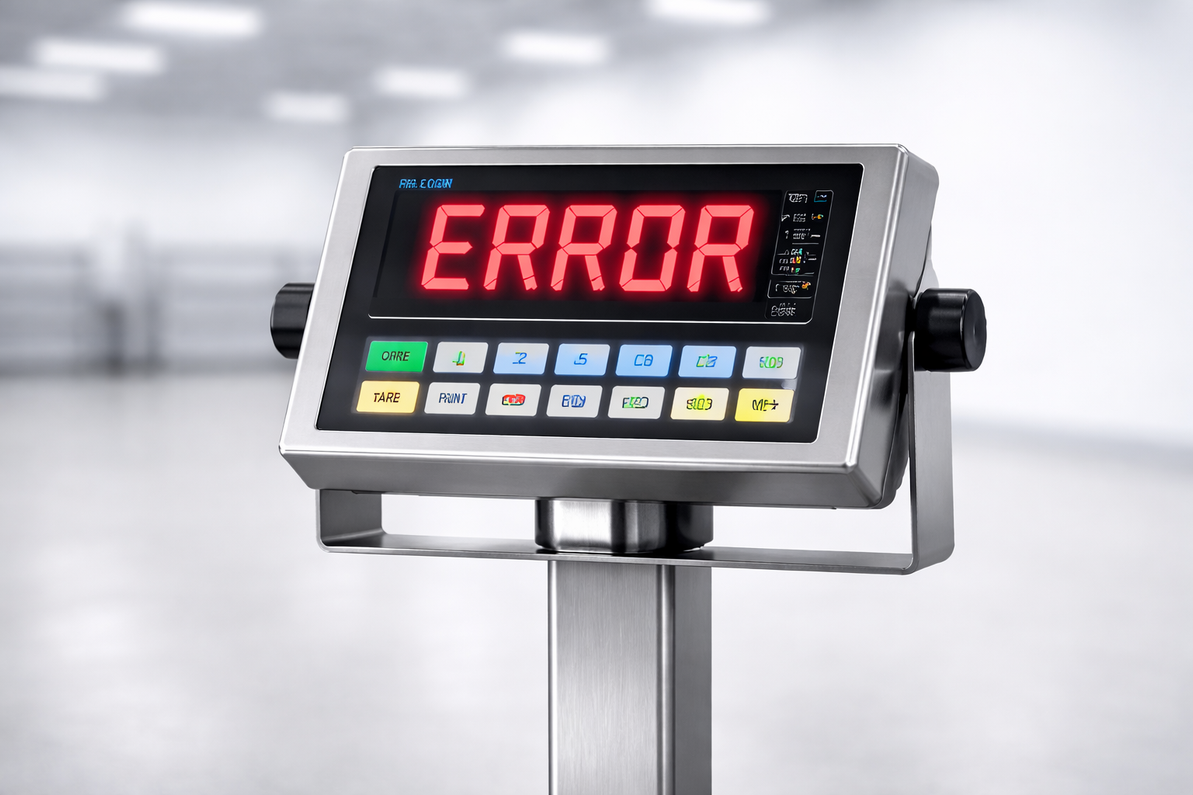
Why Does My Floor Scale Say Error?
Error messages mean your scale found a problem. Take everything off the scale. Turn it off for 30 seconds. Then turn it back on.
Still showing an error? Check if you put too much weight on it. Look for the scale overload error fix in your manual.
Bench Scale Calibration Steps
Small bench scales need careful calibration. You need special test weights that match your scale size.
Calibration process:
- Press the calibration button on your scale
- Put on the exact test weight it asks for
- Wait for the scale to beep
- Take the weight off and check zero
How to Fix Industrial Weighing Scale Issues
Most digital scale not working are easy to fix. Let's walk through the steps.
Showing Incorrect Weight
Start by calibrating your scale again. Most wrong weight problems come from bad calibration. Follow the steps in your book exactly.
Still wrong? Test with things you know the weight of. Weigh something on another good scale first. Then weigh it on your scale.
How to Troubleshoot Load Cell Failure
Load cells don't usually break all at once. They show warning signs first. Watch for numbers that stay above zero when nothing is on the scale.
Put weight on different parts of the platform. If one corner reads different than others, that load cell is bad. Experts can replace just one cell on industrial scales for sale from good companies.
When to Call a Professional
Some fixes are too hard or dangerous to do yourself. Here's when to call for help.
Can I Recalibrate My Industrial Scale Myself?
Yes, you can do regular calibration yourself. Most new scales are easy to calibrate. You just need test weights and your instruction book. But if calibration doesn't fix industrial scale calibration issues, call a pro. They have testing tools you don't have.
Warranty and Complex Repairs
Replacing load cells needs special tools. Problems with the truck scale not reading the weight usually need expert help. Opening some parts cancels your warranty. Many industrial weighing solutions come with service plans that cover repairs.
Conclusion
Scale problems don't have to stop your whole day. You can fix most issues yourself with simple tools. Understanding calibration, temperature, and damage helps you know what to do.
Always start simple. Check the power, clean the scale, and make sure it's level. Many scales just need cleaning or calibration. Do these three things now: make a cleaning schedule, teach your team basic fixes, and buy test weights. When something does break, you'll know exactly what to do.
Frequently Asked Questions
1. Can I recalibrate an industrial scale myself?
Yes, most industrial scales allow self-recalibration using the built-in menu and certified test weights as per your manual. Call a technician if problems continue after trying this.
2. Why won't my industrial scale return to zero?
Debris under the platform or a software lock prevents proper zeroing. Clean thoroughly underneath and check the manual for unlock procedures. Test by removing all items and pressing zero again.
3. How do I fix the tare not working properly?
Uneven loads or range limits block taring. Ensure balanced placement within capacity. Unlock functions per the manual if stuck.
4. What if the scale reads overload incorrectly?
Damaged sensors misinterpret normal loads. Verify against test weights and inspect for cracks. Recalibrate or repair load cells.
5. How to stop the scale from auto-shutting off too soon?
Power-saving mode activates prematurely. Adjust timeout settings in the menu. Disable if continuous operation is needed.
Recent Posts
-

Harsh Environments vs. Precision: How to Stop Your Scales from Corroding in Washdown or Chemical Zones
Does your weighing equipment fail every few months? It is frustrating. You buy a new scale. It work …27th Feb 2026 -
What to Do When Your Industrial Scale Fails: Troubleshooting Guide
Have you ever experienced your weighing scale stop working in the middle of your shift? Nothing stop …27th Feb 2026 -
Everything You Must Know to Ensure Industrial Scale Compliance and Avoid Costly Fines
Did you know one bad scale reading can get you fined? It's true. Many businesses mess up their scale …3rd Feb 2026